WooCommerce powers thousands of online stores, helping businesses sell products, manage orders, accept payments, and serve customers. However, running a successful online store requires more than installing the right tools. Plugins must remain secure, compatible, reliable, and up to date. This is where a woocommerce plugin developer plays an important role by managing software updates and ensuring that store features continue working as expected. 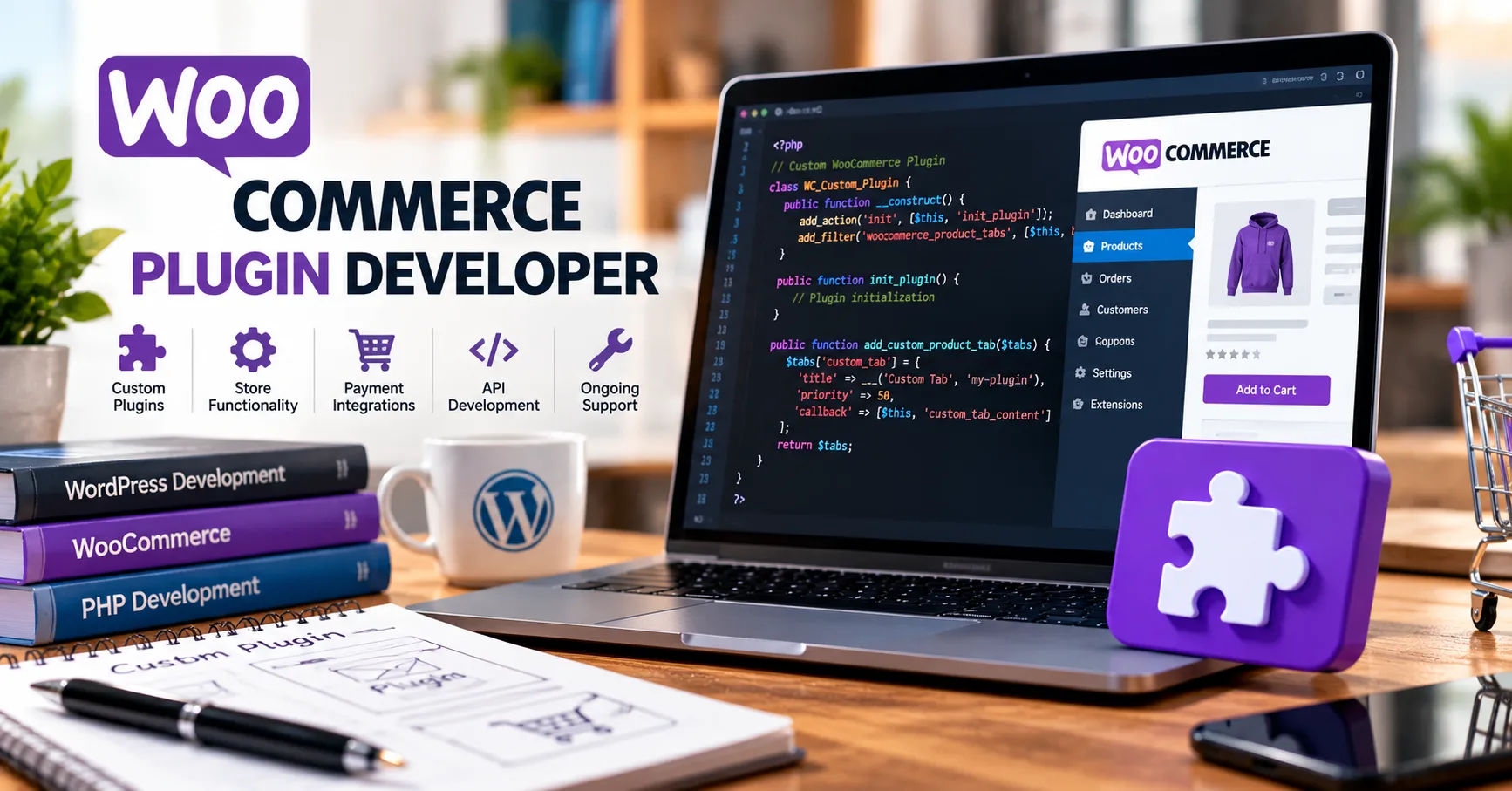 Plugin updates can include bug fixes, security improvements, new features, performance enhancements, and compatibility changes. Even a small update can affect checkout pages, payment processing, shipping calculations, or product displays if it is not handled carefully.
A professional developer follows a planned process to reduce risks, test changes, and deliver improvements without disrupting business operations. Understanding this process helps store owners recognize why regular maintenance matters and how experienced developers protect their websites from unnecessary problems.
WooCommerce Plugin Updates
WooCommerce plugins extend the basic features of an online store. They can add subscription services, advanced shipping options, marketing integrations, payment gateways, inventory management tools, and customer support features.
Like other software, plugins require regular updates because WordPress, WooCommerce, web hosting environments, and third-party services continue to change.
A developer must ensure that a plugin remains compatible with these changes while continuing to perform its intended functions.
Why Plugin Updates Are Necessary
Updates help address problems that may affect a store's performance, security, or usability. Without regular maintenance, a plugin can become outdated and create technical difficulties.
Common reasons for releasing updates include:
-
Bug fixes: Correcting errors that affect existing features.
-
Security improvements: Addressing vulnerabilities that could expose a website to unauthorized access.
-
Compatibility changes: Supporting newer versions of WordPress, WooCommerce, PHP, and related libraries.
-
New features: Adding tools that improve store management or customer experience.
-
Performance improvements: Reducing unnecessary database queries, improving response times, and optimizing code.
-
API changes: Adapting integrations to updated payment providers, shipping services, or other external platforms.
These improvements help online stores remain dependable as their technical requirements change.
The Developer's Responsibility During Updates
A plugin update involves more than changing a few lines of code. Developers must understand how the plugin interacts with the rest of the website.
For example, a plugin that calculates shipping costs may depend on product dimensions, customer addresses, shipping zones, and WooCommerce checkout processes. Changing one calculation could affect several connected features.
A skilled developer examines these relationships before making changes. They also consider whether existing settings, stored information, and custom configurations will continue working after an update.
The main objective is to improve the plugin without introducing new problems for store owners or customers.
Reviewing Changes Before Releasing an Update
Careful preparation is one of the most important parts of plugin maintenance. Before releasing an update, developers identify the reason for the change, review the existing code, and determine which parts of the plugin could be affected.
This preparation helps reduce unexpected errors and makes the update process easier to manage.
Identifying the Purpose of the Update
The first step is understanding what needs to change. Sometimes, users report an error. In other cases, a security advisory, software upgrade, or new business requirement makes an update necessary.
The developer gathers relevant information, including error messages, affected features, software versions, and steps that reproduce the problem.
If customers report that a payment gateway fails after a WooCommerce upgrade, the developer investigates whether the issue comes from the plugin, the updated platform, or an external service.
A clear diagnosis prevents unnecessary code changes and helps the developer choose an appropriate solution.
Reviewing the Existing Code
Before modifying a plugin, developers inspect the relevant code and its dependencies. They look for outdated functions, deprecated methods, inefficient processes, and potential conflicts.
They may also review the plugin's version history and previous fixes to understand why certain decisions were made.
Code review is especially important when several developers work on the same project. It helps maintain consistent coding standards and reduces the likelihood of introducing errors.
A woocommerce plugin developer also considers backward compatibility, meaning that existing users should not lose important functionality simply because they install a newer version.
Checking Platform Requirements
WooCommerce plugins operate within a broader technical environment. Developers must check the plugin against the WordPress and WooCommerce versions it supports, as well as relevant PHP requirements.
They also review third-party libraries and external integrations.
When a platform introduces a new checkout system or changes an application programming interface, the plugin may need adjustments to remain compatible.
By identifying these requirements early, developers can plan the update instead of reacting to failures after customers encounter them.
Testing Plugin Updates Before Deployment
Testing is essential because a plugin can work correctly in one environment and fail in another. Differences in software versions, themes, hosting configurations, and installed extensions can create unexpected problems.
Professional developers use controlled testing environments to identify these issues before releasing updates to live stores.
Using a Staging Environment
A staging environment is a separate copy of a website where developers can test changes without affecting real customers.
It usually contains a copy of the store's theme, plugins, settings, and representative data. Sensitive customer information should be protected or replaced with suitable test data when preparing this environment.
Developers install the updated plugin and examine its behavior under realistic conditions.
For example, if an update affects product pricing, they might test simple products, variable products, discounts, taxes, and shipping calculations.
Staging allows problems to be discovered and corrected before the update reaches the production website.
Performing Automated Tests
Automated tests help developers check whether specific parts of a plugin behave as expected.
Depending on the project, these tests may include unit tests, integration tests, and end-to-end tests.
Unit tests examine individual functions, such as a method that calculates a discount. Integration tests check whether connected components work together. End-to-end tests simulate customer actions across a complete process.
For an online store, an automated checkout test might verify that a customer can add a product to the cart, enter shipping details, select a payment method, and reach the appropriate order confirmation stage.
Automated testing is particularly useful when developers release frequent updates because it helps detect regressions, which occur when a new change breaks existing functionality.
Conducting Manual Testing
Automated tests cannot cover every possible situation. Manual testing allows developers to inspect the plugin's behavior in realistic scenarios and identify issues that automated checks might miss.
A developer may test the following areas:
-
Product pages and shopping cart behavior.
-
Checkout forms and payment options.
-
Order creation and status changes.
-
Shipping methods and tax calculations.
-
Customer account features.
-
Administrative settings and reporting tools.
-
Mobile layouts and common browser interactions.
Testing should focus on the functions affected by the update while also checking important connected features.
A payment-related update, for example, deserves more extensive checkout testing than a minor change to an administrative help message.
Managing Version Control and Release History
Version control helps developers track code changes, work with other programmers, and restore earlier versions when necessary.
Tools such as Git allow teams to maintain a history of their work and understand how a plugin has changed over time.
Using Version Control Systems
Developers typically store plugin code in a version control repository. They can create separate branches for new features, bug fixes, and experimental changes.
This approach keeps unfinished work away from the stable release version.
When a change is ready, developers review it and merge it into the appropriate branch after completing the required checks.
Version control also makes collaboration easier because team members can review differences between versions and resolve conflicting edits.
If an update introduces an unexpected problem, the development team can examine the exact changes that were included in that release.
However, reverting code alone may not reverse database changes or external actions, so recovery procedures must account for those risks.
Following Semantic Versioning
Many plugins use semantic versioning to communicate the scale of a release. Under this approach, versions generally follow a major.minor.patch format.
For example, version 2.4.1 contains three parts.
-
Major version: May include significant changes that require special attention to compatibility.
-
Minor version: Commonly introduces new features while maintaining backward compatibility.
-
Patch version: Usually contains bug fixes or small improvements that do not intentionally change existing interfaces.
Not every WordPress plugin follows semantic versioning perfectly, but consistent version numbers help users understand the nature of updates.
Developers should also document any breaking changes and provide migration guidance when users need to adjust existing configurations.
Maintaining a Clear Changelog
A changelog records what has changed between plugin versions. It helps store owners decide when to update and understand the benefits of installing a release.
Useful changelog entries describe security fixes, resolved errors, new features, compatibility improvements, and changes that require user action.
Instead of writing a vague entry such as "Updated plugin," a developer might explain that a release fixes an error affecting variable-product pricing or improves compatibility with a newer WooCommerce checkout feature.
Clear documentation also helps customer support teams investigate problems reported after an update.
Protecting Stores Through Security Updates
Security maintenance is a major responsibility for plugin developers because online stores handle valuable business information and may process sensitive customer details.
A vulnerability in a plugin can potentially allow unauthorized access, expose information, or interfere with store operations.
Finding and Fixing Vulnerabilities
Developers look for security weaknesses in their code, dependencies, permissions, and data-handling processes.
Common concerns include improper input validation, unsafe database queries, insufficient access controls, and missing protection against cross-site request forgery.
They must also handle user input carefully and escape output appropriately to reduce the risk of attacks such as cross-site scripting.
When a vulnerability is discovered, developers assess its severity and determine which versions are affected. They then prepare and test a suitable fix.
The response should be timely, particularly when a vulnerability is actively being exploited.
Checking Third-Party Dependencies
Many plugins rely on external libraries or services. These dependencies may introduce security risks if they become outdated or contain known vulnerabilities.
Developers review dependency updates and security advisories to determine whether changes are needed.
Updating a library still requires testing because a newer version may change its behavior or introduce compatibility issues.
Security work therefore involves balancing timely protection with reliable operation.
Releasing Security Fixes Responsibly
When a security update is ready, developers communicate its importance and provide installation guidance.
For serious vulnerabilities, they may prioritize the release over less urgent improvements.
They should explain whether the update requires any configuration changes and recommend appropriate precautions, such as backing up the website before installation.
Store owners should install trusted security updates promptly rather than leaving known vulnerabilities unaddressed for extended periods.
Maintaining Database Compatibility During Updates
Some plugin updates affect how information is stored. For example, a subscription plugin may introduce a new field, while an inventory extension may change how it records stock movements.
Database changes require particular care because incorrect migrations can affect valuable store data.
Planning Database Migrations
A database migration changes the structure or organization of stored information. Developers plan migrations so that existing data can continue working with the updated plugin.
A migration might add a database column, create an index, or convert stored values into a new format.
The developer should determine whether the migration is necessary, how long it might take, and what happens if it fails halfway through.
For large stores, database operations may need to be optimized to avoid excessive resource use or interruptions.
Preserving Existing Information
An update should not unexpectedly delete orders, customer records, product settings, or subscription details.
Developers test migration procedures using representative data and verify that information remains accurate after the update.
They should also consider whether a migration can run safely more than once. An idempotent migration can be repeated without causing unintended duplicate changes, making recovery and troubleshooting easier.
Where appropriate, the plugin records which migration steps have completed so that the system can manage future updates reliably.
Backups and Recovery Plans
Before major updates, a store owner should maintain a recent backup of both website files and the database.
Developers can provide guidance about backup requirements and recovery procedures, although the actual backup process may be handled by the hosting provider or store administrator.
A recovery plan should explain how to restore the website if the update causes a serious problem.
For complex database migrations, restoring a backup may be safer than simply reinstalling the previous plugin version.
Delivering Updates Through WordPress
After development and testing, the plugin update must be packaged and distributed correctly. The delivery method depends on whether the plugin is publicly available, privately distributed, or managed through a commercial licensing system.
Preparing the Release Package
Before release, developers verify the plugin files, version information, dependencies, and required metadata.
They remove temporary development files and ensure that the package contains the necessary production assets.
They also confirm that the plugin can be installed or upgraded through its intended distribution method.
For publicly distributed plugins, developers follow the applicable WordPress.org plugin directory requirements. Commercial plugins may use a vendor-controlled update service instead.
Supporting Automatic Updates
WordPress provides update mechanisms that can notify administrators when compatible plugin updates are available.
Depending on the distribution method and settings, users may install updates manually or enable automatic updates.
Developers must ensure that the update information is accurate and that the release package can be downloaded and installed successfully.
For commercial plugins, this may require a secure update endpoint, license validation, and appropriate access controls.
The update system should not expose secret keys or sensitive license information in publicly accessible responses.
Communicating With Store Owners
Good communication helps store owners understand when an update is available and what they should do.
Release notes should explain important changes, known limitations, and any actions users need to complete.
If a major update requires a configuration change, the developer should explain the steps clearly rather than assuming users understand the technical details.
For significant changes, advance notice can help businesses schedule maintenance during quieter periods.
Monitoring Performance After an Update
An update process does not end when the new version becomes available. Developers should remain prepared to investigate problems that emerge in real-world environments.
A plugin may perform correctly in staging but behave differently on a store with thousands of products, several connected services, or a customized theme.
Reviewing Error Logs
Error logs help developers identify warnings, failed requests, database problems, and unexpected application behavior.
If users report that a plugin stops working after an update, developers can compare the reported issue with available logs and reproduction steps.
They should avoid exposing private customer information in logs and follow appropriate data-protection practices.
Clear diagnostic information makes troubleshooting faster and reduces guesswork.
Measuring Performance Changes
Developers may compare response times, database activity, memory use, and other performance indicators before and after an update.
For example, a product-filtering plugin might become slower if a new query processes too much data on every page load.
Performance testing helps reveal these problems and provides evidence for further optimization.
The objective is not merely to add functionality but to maintain an acceptable experience for both customers and store administrators.
Responding to Unexpected Problems
If an update causes a serious issue, developers investigate its scope and severity.
They may prepare a corrective release, provide a temporary workaround, or recommend a controlled rollback where appropriate.
The response should consider whether the issue affects all users or only particular configurations.
A reliable developer also communicates the status of the problem so that store owners understand what is happening and which steps they should take.
Handling Compatibility With Themes and Other Plugins
WooCommerce stores often use multiple plugins and customized themes. These components can interact in unexpected ways, making compatibility testing an important part of update management.
Identifying Plugin Conflicts
A conflict occurs when two components interfere with each other's behavior.
For example, a caching plugin might prevent updated cart information from appearing immediately, while a checkout extension might modify fields used by a payment gateway.
Developers investigate these issues by testing affected components separately and together.
They may ask the store owner to reproduce the problem in a staging environment with selected plugins disabled.
This process helps identify the source of the conflict without unnecessarily disrupting the live store.
Supporting WooCommerce Changes
WooCommerce periodically changes internal processes, developer interfaces, and supported checkout technologies.
A plugin developer must monitor relevant release information and update integrations when necessary.
This is particularly important for extensions that interact with order data, checkout blocks, product information, or payment processing.
The developer should also document supported versions so that users understand the plugin's compatibility range.
Managing Customizations
Some businesses modify plugin code directly or hire developers to create custom features.
Direct edits to plugin files can be overwritten when an official update is installed.
A better approach is to use supported hooks, filters, separate extension plugins, or other documented customization methods whenever possible.
This allows the original plugin to receive updates without automatically removing custom functionality.
When custom code depends on an internal function that changes, the developer may still need to revise that customization.
Establishing a Reliable Update Schedule
A structured maintenance schedule helps developers balance urgent fixes with planned improvements.
Not every update needs the same level of urgency, but every release should receive an appropriate amount of attention.
Prioritizing Updates by Risk
Security fixes and serious functional problems usually deserve immediate attention. Updates that introduce new features can often follow a more planned schedule.
Developers assess factors such as business impact, technical complexity, compatibility requirements, and the likelihood of failure.
For example, a security patch affecting customer data deserves greater urgency than a minor adjustment to an administrative screen.
Risk-based planning helps businesses use their maintenance time effectively.
Keeping a Maintenance Checklist
A repeatable checklist reduces the chance that important steps will be forgotten.
A typical checklist includes:
-
Review the purpose and scope of the update.
-
Examine code changes and third-party dependencies.
-
Confirm compatibility requirements.
-
Run automated and manual tests.
-
Test database migrations where applicable.
-
Verify the release package and version information.
-
Publish clear release notes.
-
Monitor reported problems after release.
-
Prepare corrective action if serious issues occur.
The checklist should be adapted to the plugin's complexity and the importance of the store it supports.
Coordinating Updates With Business Operations
Timing matters for online businesses. Updating a busy store during a major sales event can increase the impact of unexpected technical problems.
Developers may recommend testing updates in advance and scheduling higher-risk changes during quieter periods.
However, urgent security fixes should not be delayed automatically simply because the store is busy. The developer and store owner should evaluate the risk of installing the patch against the risk of leaving the vulnerability unresolved.
This balanced approach supports both security and business continuity.
Choosing the Right Developer for Ongoing Maintenance
Store owners should evaluate more than a developer's ability to create a plugin. Ongoing support, communication, testing practices, and security awareness are equally important.
Evaluating Technical Experience
Look for experience with WordPress development standards, WooCommerce functionality, PHP, database management, API integrations, and version control.
A developer should understand how changes can affect checkout, orders, inventory, and customer accounts.
Experience with automated testing and deployment procedures is also valuable, particularly for complex or high-traffic stores.
Understanding Support and Maintenance Terms
Before hiring a developer, clarify what ongoing maintenance includes.
Questions worth discussing include how often updates are released, how urgent issues are handled, whether testing is included, and what happens if an update causes a problem.
Also establish whether the agreement covers compatibility adjustments for future WordPress or WooCommerce releases.
Clear expectations help prevent misunderstandings and allow businesses to budget for maintenance appropriately.
Looking for Clear Communication
A reliable developer explains technical issues in language that business owners can understand.
They should communicate risks, provide realistic timelines, and document important changes.
They should also distinguish between routine maintenance, new feature development, and emergency troubleshooting because these activities may require different levels of effort.
Good communication makes it easier for businesses to make informed decisions about their websites.
Conclusion
Managing WooCommerce plugin updates requires planning, technical knowledge, careful testing, and ongoing communication. Updates help keep online stores secure, compatible, efficient, and capable of meeting changing customer expectations. However, releasing new code without reviewing its effects can create problems that disrupt important business operations.
A professional woocommerce plugin developer begins by identifying the purpose of an update, reviewing the existing code, and checking compatibility with WordPress, WooCommerce, PHP, and external services. They then use staging environments, automated tests, and manual checks to identify problems before releasing changes. Version control, clear changelogs, and appropriate release practices make the process easier to manage and troubleshoot.
Security and database maintenance deserve particular attention because errors in these areas can affect sensitive information and essential store functions. Developers must assess vulnerabilities promptly, test database migrations carefully, and ensure that recovery procedures are available when an update causes unexpected results.
After deployment, monitoring remains important. Error logs, performance measurements, customer reports, and compatibility checks help developers identify issues that may not appear during initial testing. A planned maintenance schedule ensures that urgent fixes receive attention while routine improvements are handled in an organized way.
Store owners also have a role in successful updates. Maintaining reliable backups, testing significant changes before applying them to a live website, reading release notes, and communicating with the development team can reduce unnecessary risks.
Ultimately, effective update management is an ongoing process rather than a single technical task. By combining careful preparation, thorough testing, secure development practices, and responsive support, a woocommerce plugin developer helps online businesses maintain reliable websites and provide customers with a smoother shopping experience.
No Responses